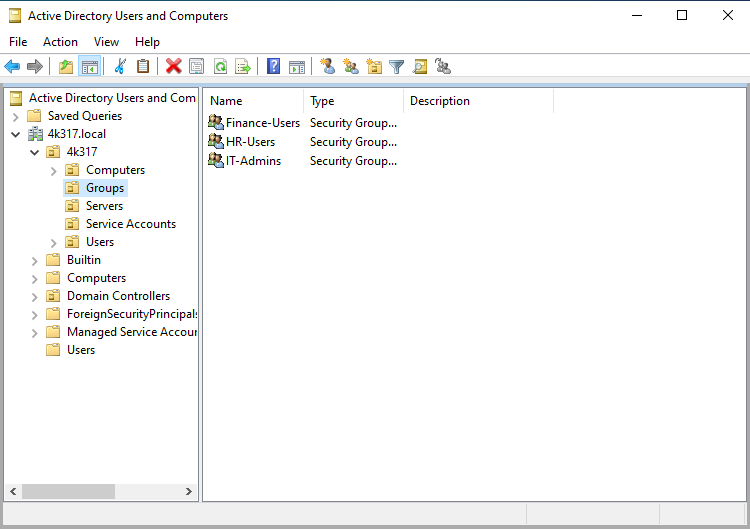
Lets dive into Active Directory Users and Computers.
Objective:
Create Admin Account
Create Organizational Units (OUs)
Create Department OUs
Create Users and add them to Department OUs
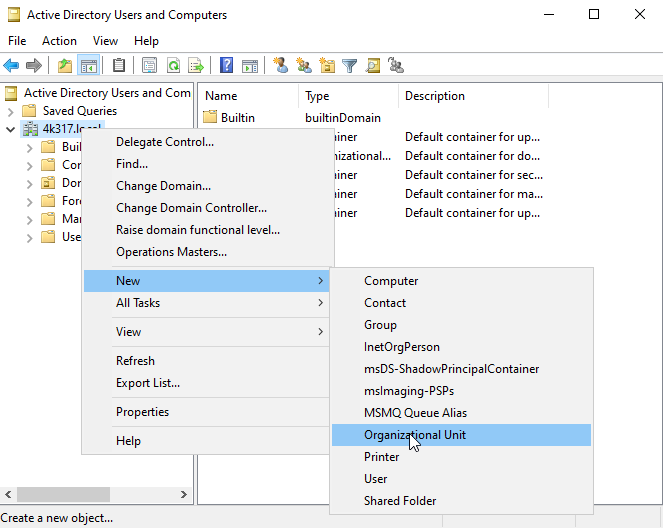
From Active Directory Users and Computers (ADUC), right click ‘4k317.local’, New, Organizational Unit
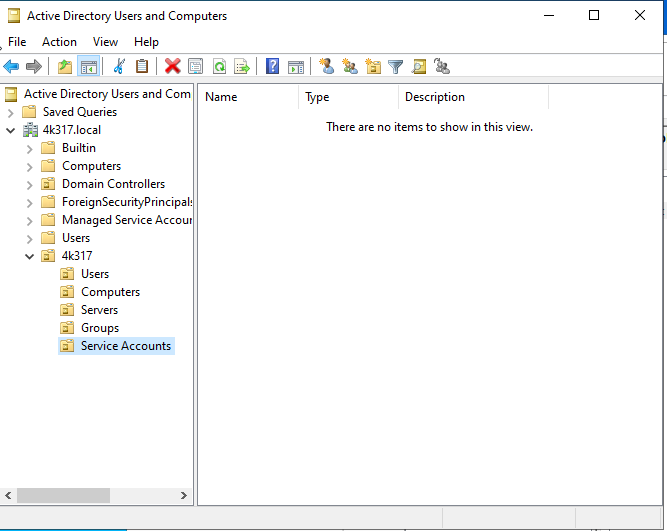
Additionally, created sub OUs for better organization.
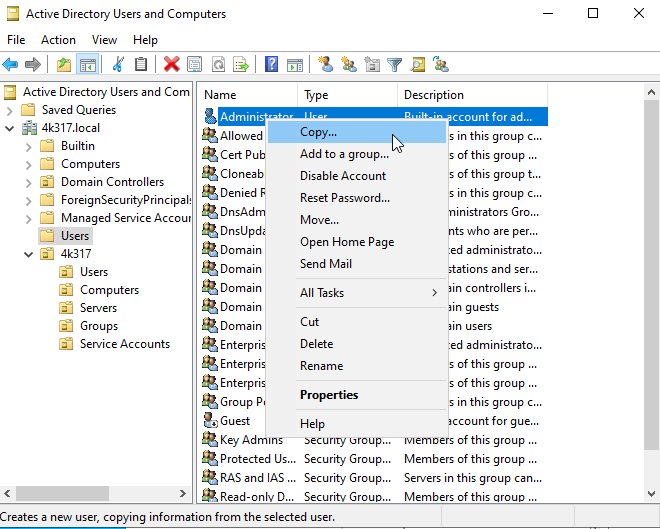
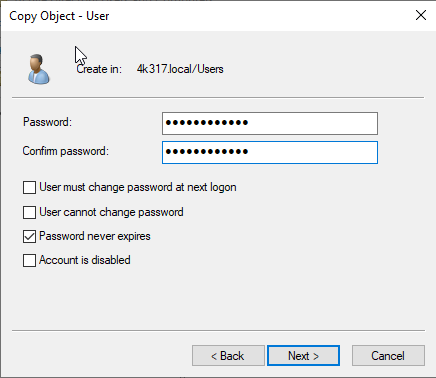
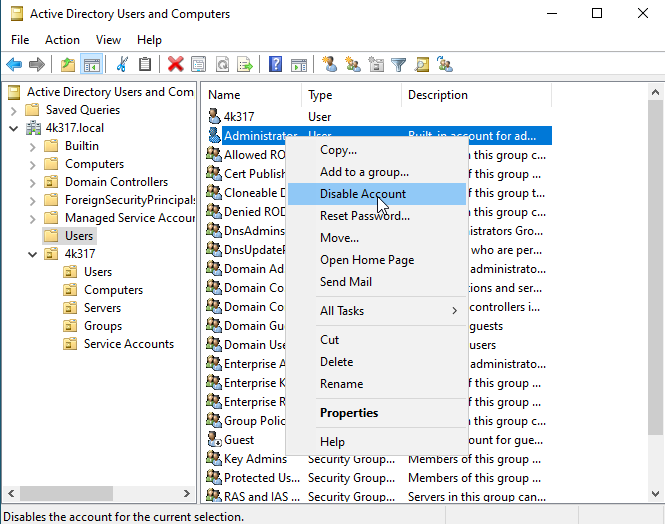
For best practice, we will disable the built-in administrator account. First, we will need to copy the account.
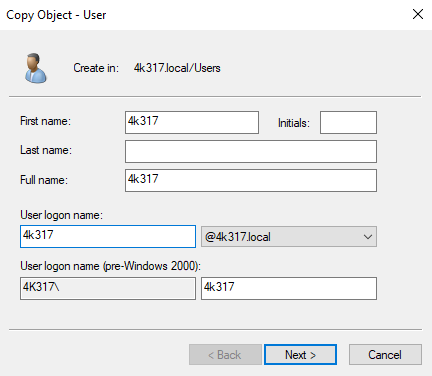
Input Information for Copied account, click ‘Next’
After creating the new Admin account, disable the build-in administrator account.
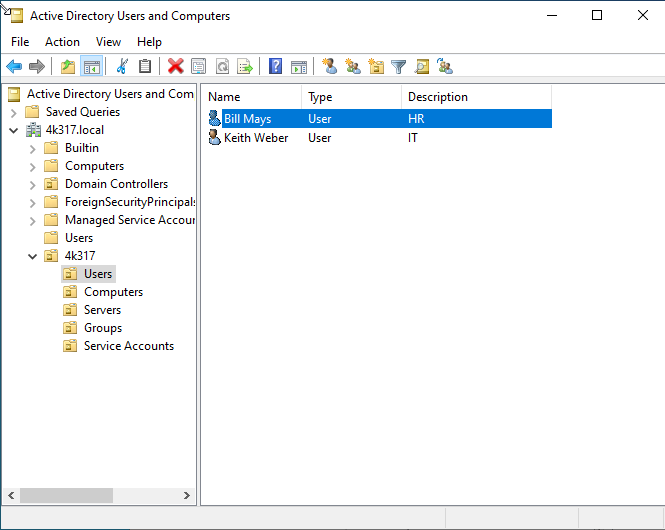
Lets create some users and label them by Department ID.
Right click the ‘Users’ OU under new 4k317 OU. Select ‘New’, Select User.
Follow the prompts and click ‘Finish’
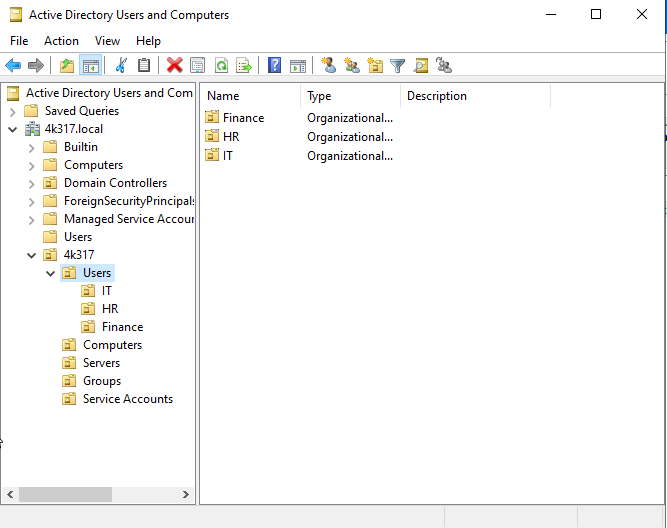
Within the ‘Users’ OU, lets create Department OUs to organize the users.
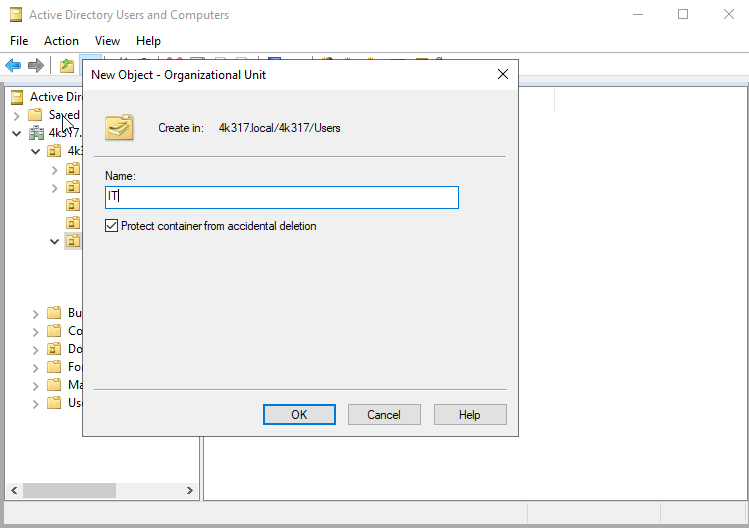
Right click ‘Users’ OU, ‘New’, ‘Organization Unit’
Input Name and ensure ‘Protect container from accidental deletion is checked’
Three separate OUs have been created. IT, HR, and Finance
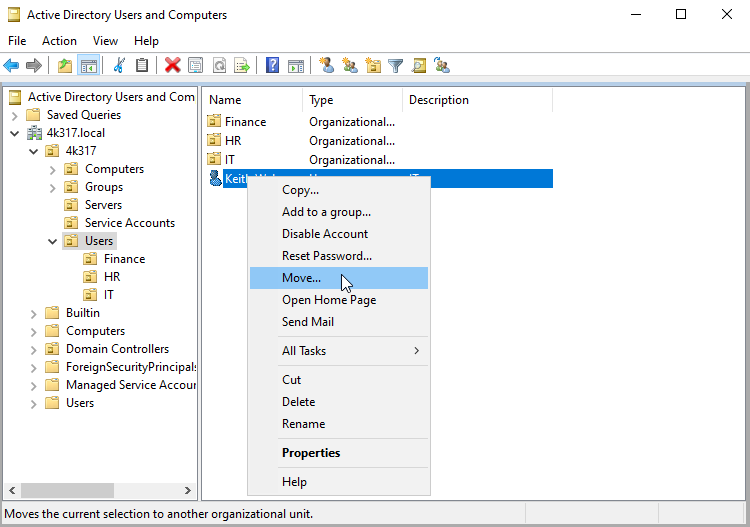
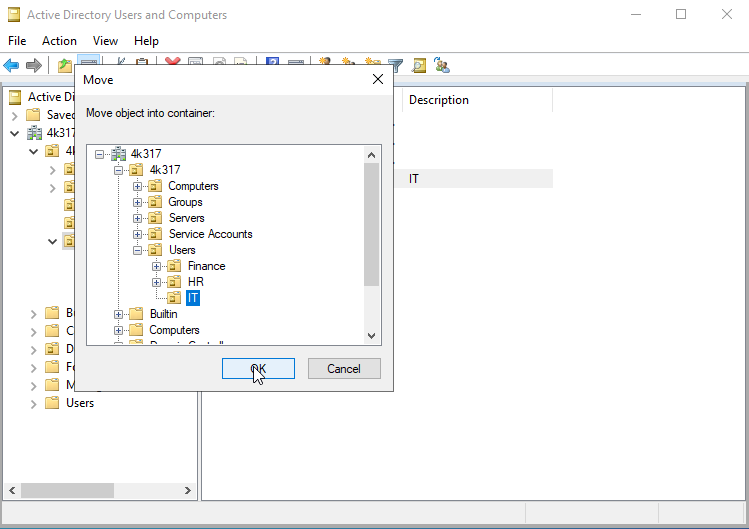
Begin moving users into assigned Department OUs
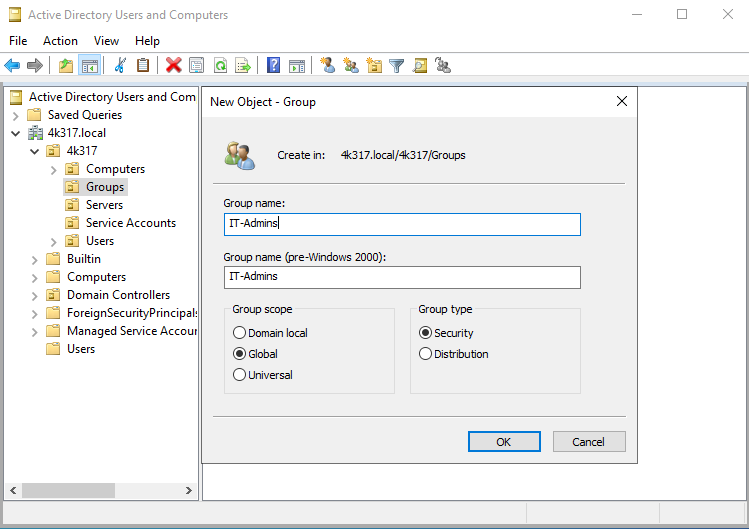
Next, Created Security Groups
Right click the OU, ‘Groups’, ‘New’, ‘Group’
Set Group Name
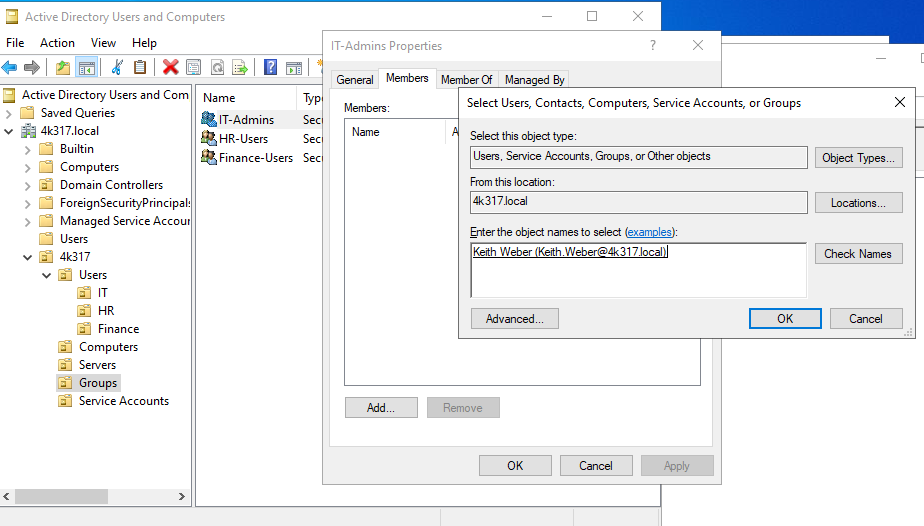
Lastly, we will begin assigning the users to their respective security groups.
When fully configured, users will inherit permissions through group membership, ensuring they only have access to the resources necessary for their responsibilities.
Project Complete! My next objective will be to deploy a windows workstation to join to the domain and configure a GPO.